Flutter App Development in 2026: Honest Pros, Cons and Costs
What Flutter is really good at in 2026 — Impeller rendering, Dart, one codebase for mobile, web and desktop — plus the trade-offs nobody mentions.
Nagarajan
Engineer
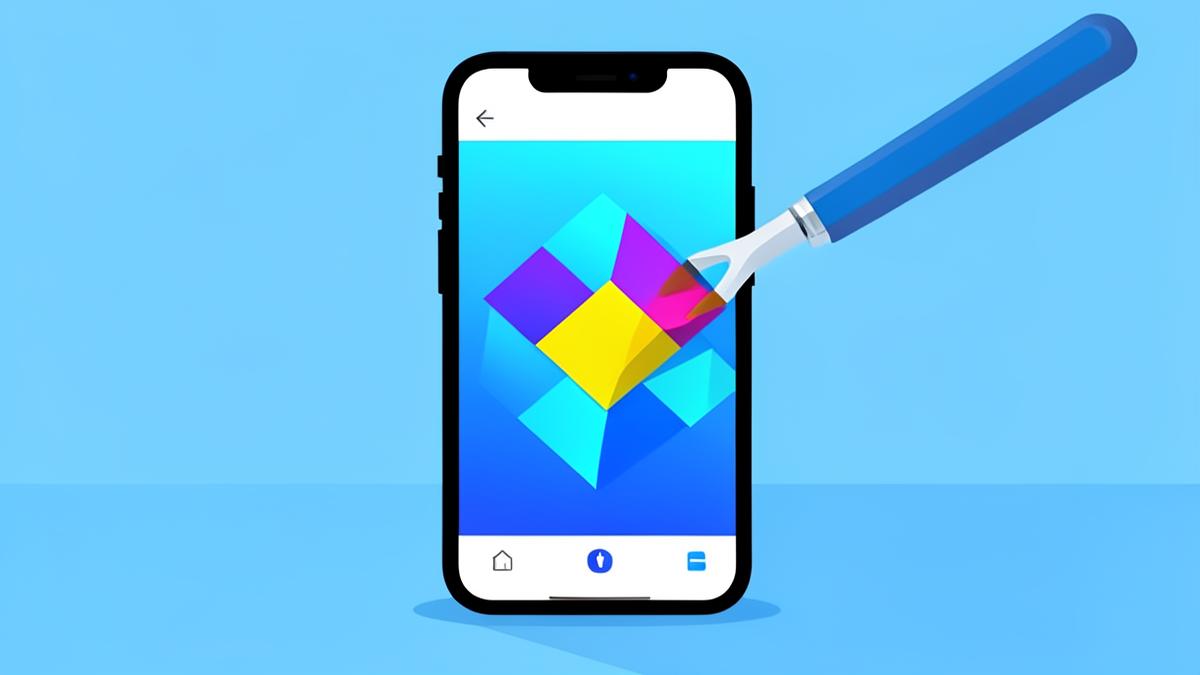
Flutter takes the opposite bet to React Native. Instead of mapping your code onto the platform's own UI widgets, Flutter draws every pixel itself. That one decision explains almost every strength and every weakness it has.
How Flutter works
You write Dart. Flutter compiles it ahead-of-time to native ARM machine code, and its rendering engine — Impeller, now the default on iOS and Android — paints your widgets directly to a canvas via Metal and Vulkan.
There is no JavaScript bridge, because there is no JavaScript. There is also no UILabel or TextView underneath your text: Flutter reimplements the whole widget layer, including Material and Cupertino styling.
flutter create my_app
cd my_app
flutter run
What Flutter is genuinely great at
- Pixel-identical UI everywhere. Your design looks the same on an iPhone 12 and a budget Android. For brand-heavy products this is a real advantage.
- Animation and custom design. Because Flutter owns the canvas, complex transitions, custom shapes, and 60/120fps motion are ordinary work, not heroics.
- Beyond mobile. One codebase can target iOS, Android, web, macOS, Windows and Linux. The mobile targets are the mature ones — treat desktop and web as "supported", not "polished".
- Predictable performance. AOT-compiled Dart with no interpreter means fewer nasty surprises under load.
- Batteries included. Routing, theming, testing, and a huge widget catalogue ship in the box.
The trade-offs
- Dart. It's a pleasant, easy language — but it's a language your team probably doesn't use anywhere else, and you can't reuse web React code or npm packages.
- App size. A trivial Flutter release build is typically ~15–20 MB before your assets, because the engine ships with the app.
- Non-native feel is a choice you must manage. Widgets look native; they aren't. Text selection, accessibility behaviour, and new-OS-version design changes lag until Flutter implements them.
- Platform plugin dependency. Anything native — Bluetooth, in-app purchase quirks, background tasks — goes through a plugin. Popular ones are excellent; niche ones can be stale.
- Hiring pool. Smaller than React's, though healthy and generally cheaper than iOS + Android specialists combined.
Flutter vs React Native, decided quickly
| Your situation | Pick |
|---|---|
| Team already writes React/TypeScript | React Native |
| Design-led app with heavy custom UI and animation | Flutter |
| You want to share code with a web app | React Native |
| You need one build for mobile and desktop | Flutter |
| You need over-the-air JS updates to dodge review queues | React Native |
| Charts, canvases, games-adjacent visuals | Flutter |
Neither answer is wrong. The cost of the wrong choice is usually smaller than the cost of spending two months deciding.
Architecture that won't rot
The Flutter ecosystem argues endlessly about state management. A stack that holds up in real projects:
- Riverpod or Bloc for state — pick one and use it everywhere
- go_router for declarative navigation and deep links
- dio or plain
httpbehind a repository layer, never called from widgets - freezed + json_serializable for immutable models
- Widget tests for logic-bearing widgets, integration tests for the two flows that make money
Costs
Same store fees as any app: $99/year for Apple, $25 once for Google Play. Flutter itself and the tooling are free. You need a Mac to build and submit iOS locally, or a CI service like Codemagic (free tier available, paid plans from roughly $50/month).
Who should choose Flutter
Choose Flutter if your app's value is in its interface — a fitness tracker with beautiful charts, a booking app with slick transitions, a POS system that must also run on a Windows terminal. Choose something else if you're a React shop, or if the app is a thin client over an API and you'd rather reuse skills you already have.
Read next: React Native in 2026, and when native development is actually worth it.
Get the next guide free
One actionable AI earning idea in your inbox each week.
Related reads
 App Development
React Native in 2026: When It's the Right Choice (and When It Isn't)
A practical guide to React Native app development in 2026 — the new architecture, Expo, real performance limits, costs, and how to ship your first app fast.
 App Development
Native App Development: When Swift and Kotlin Beat Cross-Platform
Native iOS and Android development costs more — here's exactly when it pays off, what Swift, SwiftUI, Kotlin and Compose give you, and how to decide.
 Tutorials
How I Built a SuperTrend Alert with AI (No Coding Background Needed)
I used AI to build a SuperTrend indicator alert that pings me when a trend flips. Here's the exact process, the prompts, the Pine Script, and what I'd do differently.